
Does Hue and Saturation Matter in Monochrome Photography?
It sounds like a trick question, right? You’ve stripped the color out of your image, so why would the color controls still matter?
The short answer is: Absolutely, yes. They are not only relevant; they are the most powerful, surgical tools you have for tonal separation in black and white.
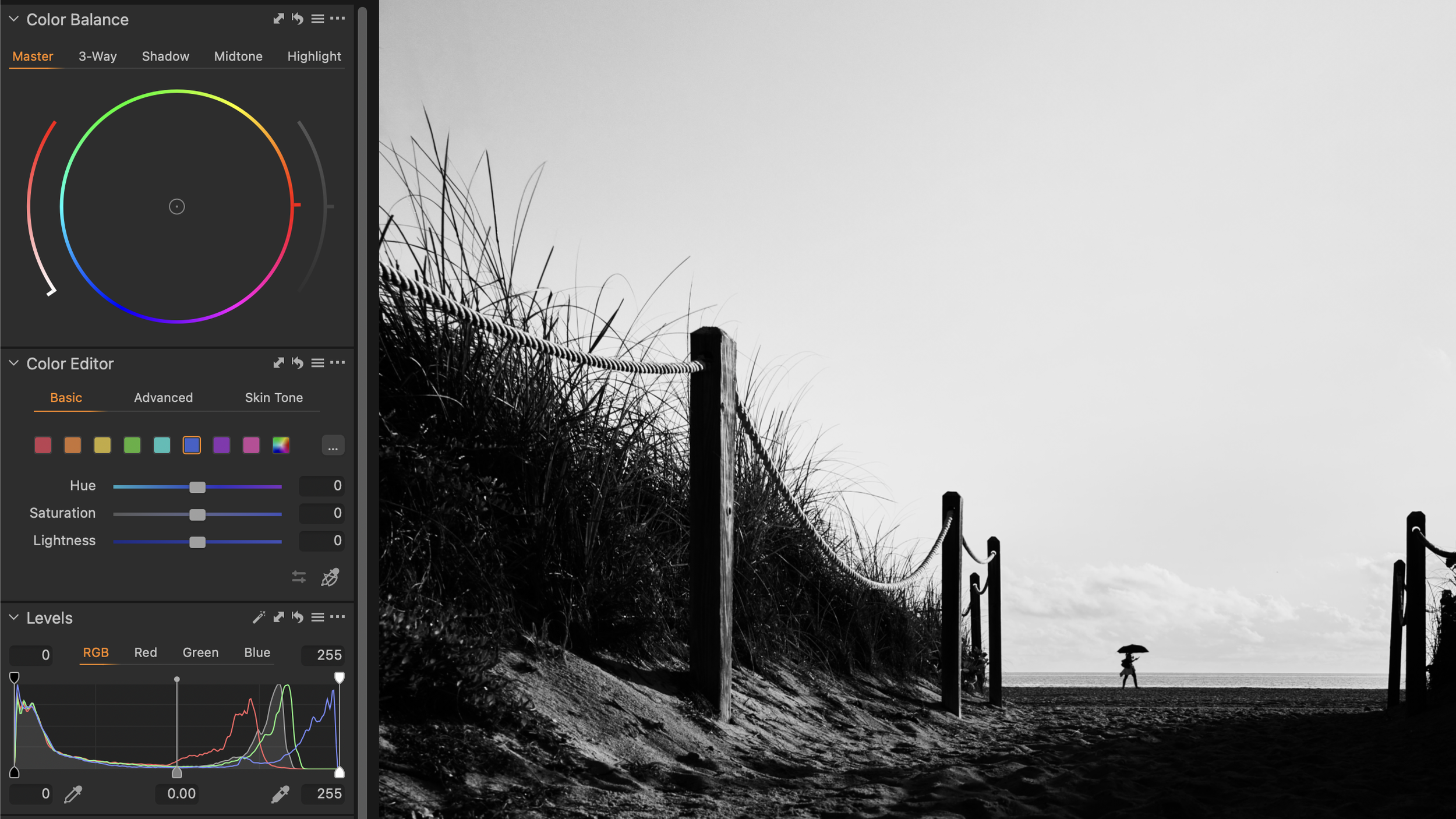
The Misconception: Luminosity vs. Color
When you convert a color image to monochrome, you are essentially reducing the image data to one channel: Luminosity(or brightness). However, the luminosity of any given pixel is derived from its original color.
A bright red object and a dark blue object might look dramatically different in color, but when converted straight to B&W without any adjustment, they might end up with the exact same shade of gray. This leads to "muddy" or flat monochrome images.
Hue & Saturation as Tonal Separators
In your editing software (Lightroom, Capture One, Photoshop's Black & White Adjustment Layer), the color sliders function not to change the hue, but to change the brightness (luminosity) of the original colors.
The Power of Saturation
Even the Saturation sliders matter, especially in advanced processing. Before you convert to B&W, increasing the saturation of a specific color will increase the intensity of that color’s luminosity value.
Example: If you boost the Blue Saturation before converting to B&W, you intensify the difference between the blue sky and the white clouds. When you then use the Blue Luminosity slider to darken the sky, the clouds will popwith more contrast.
The Takeaway
Don’t treat the Hue/Saturation/Color Mixer panel as irrelevant. It is your ultimate control room for tonal separation.
Next time your sky looks flat, forget the global Exposure slider. Jump straight to the Blue Luminosity slider and push it down. You’ll be practicing the most powerful form of surgical editing available to the monochrome artist.
Featured Articles
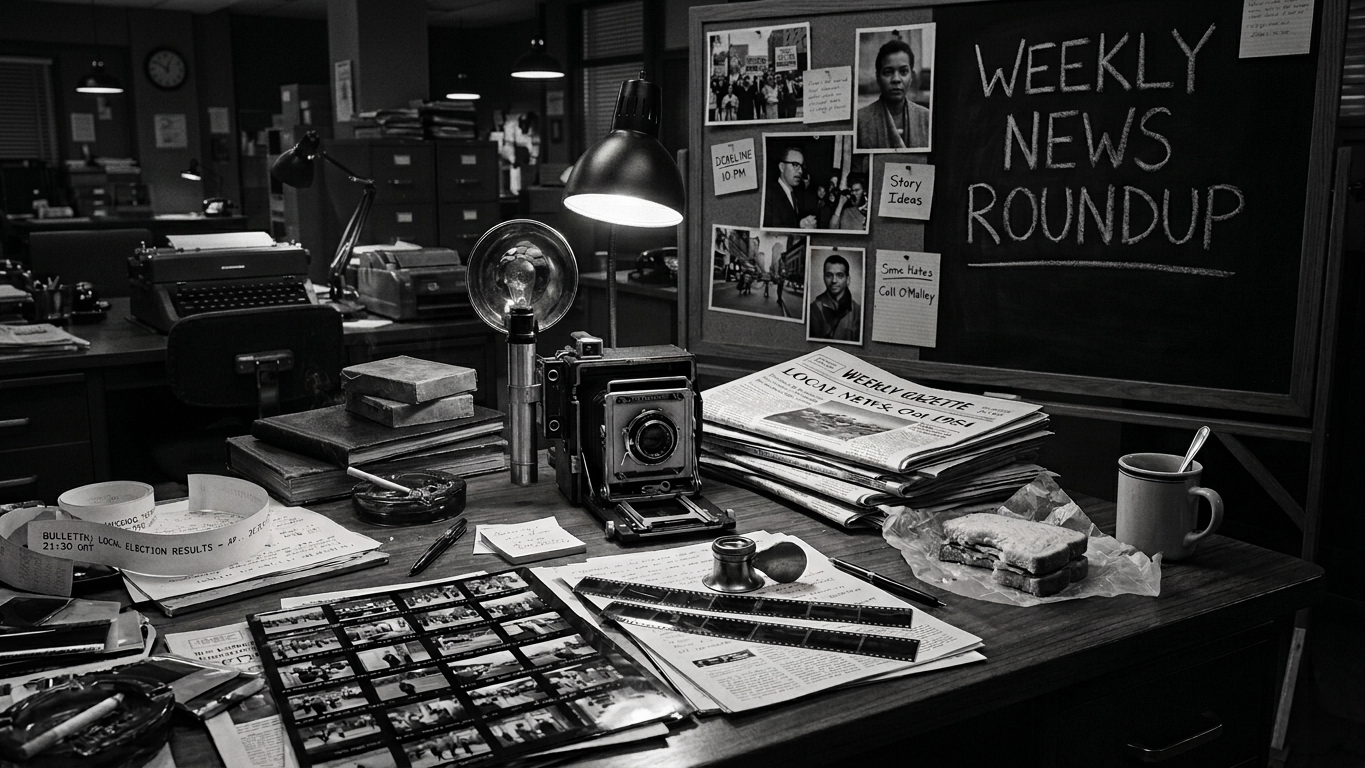
A total solar eclipse crosses the Arctic, Iceland, and Spain on August 12, and a new app promises to let photographers actually watch it instead of hiding behind a viewfinder. Colorado wildlife photographers are pushing back hard on a proposed annual fee. A decade long documentary project reframes how we see women serving life sentences. And two new affordable lenses land for very different systems.
We spend a lot of time here talking about being deliberate, studying light, naming what you see, slowing down before you shoot. This is the other side of that coin. Does intuition have a place in photography, and if it does, where does it actually come from?
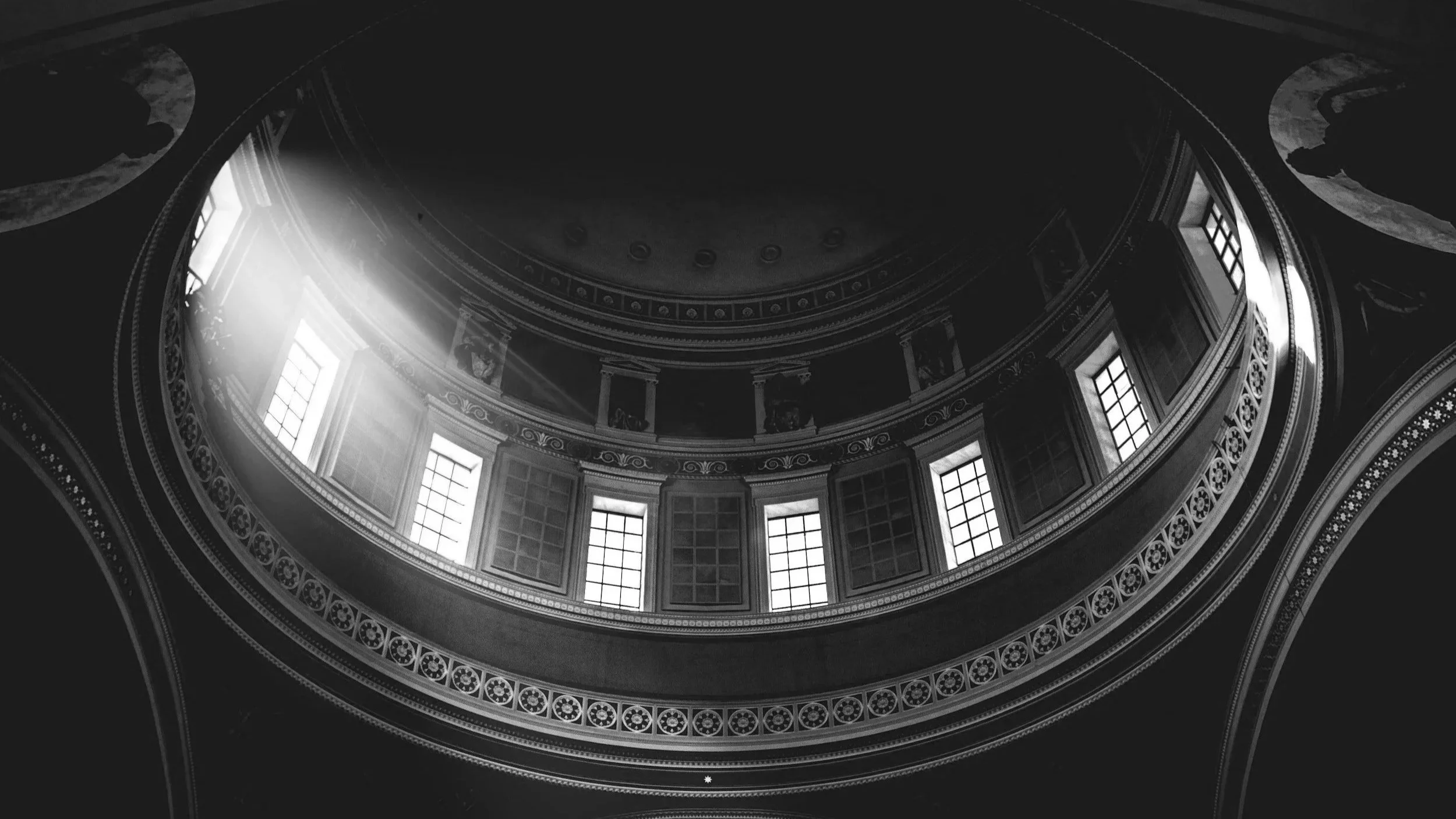
An architect spends years thinking about how light will move through a building before a single stone gets laid. A photographer usually gets an afternoon to figure that same thing out from scratch. Here is what architects already know that can close that gap.
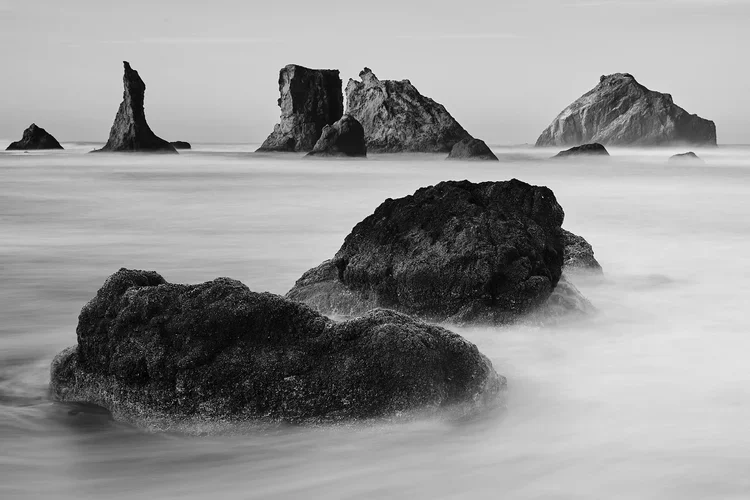
Most photographs put the viewer on the outside, looking in, the way you might look through a window at something happening on the other side of the glass. Some photographs do something different. They collapse that distance completely. Here is how to make your images do that.
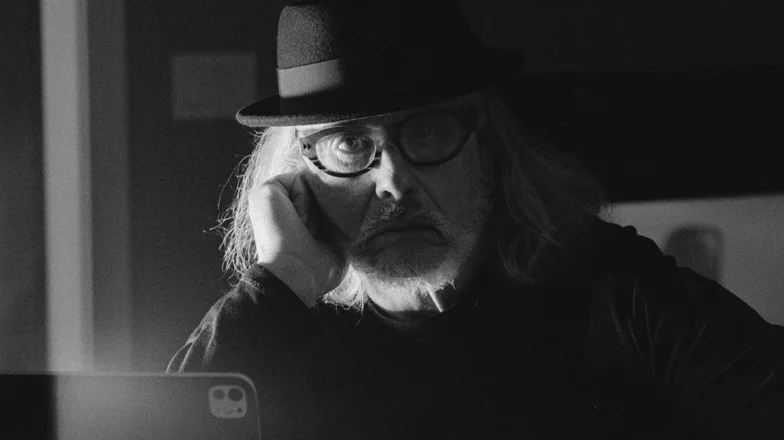
Edward Boches was pulled into photography by John Filo's 1970 image of a woman kneeling over Jeffrey Miller at Kent State, the entire story of a moment held in a single frame. He has spent his career chasing that same rawness, documenting amateur boxers, oyster farmers, Boston's homeless community, and neighborhoods in transition, always in collaboration with his subjects. We asked him about the Yankee fan who flipped him off, then handed him twenty dollars, and why he still hunts for moments instead of waiting for them.
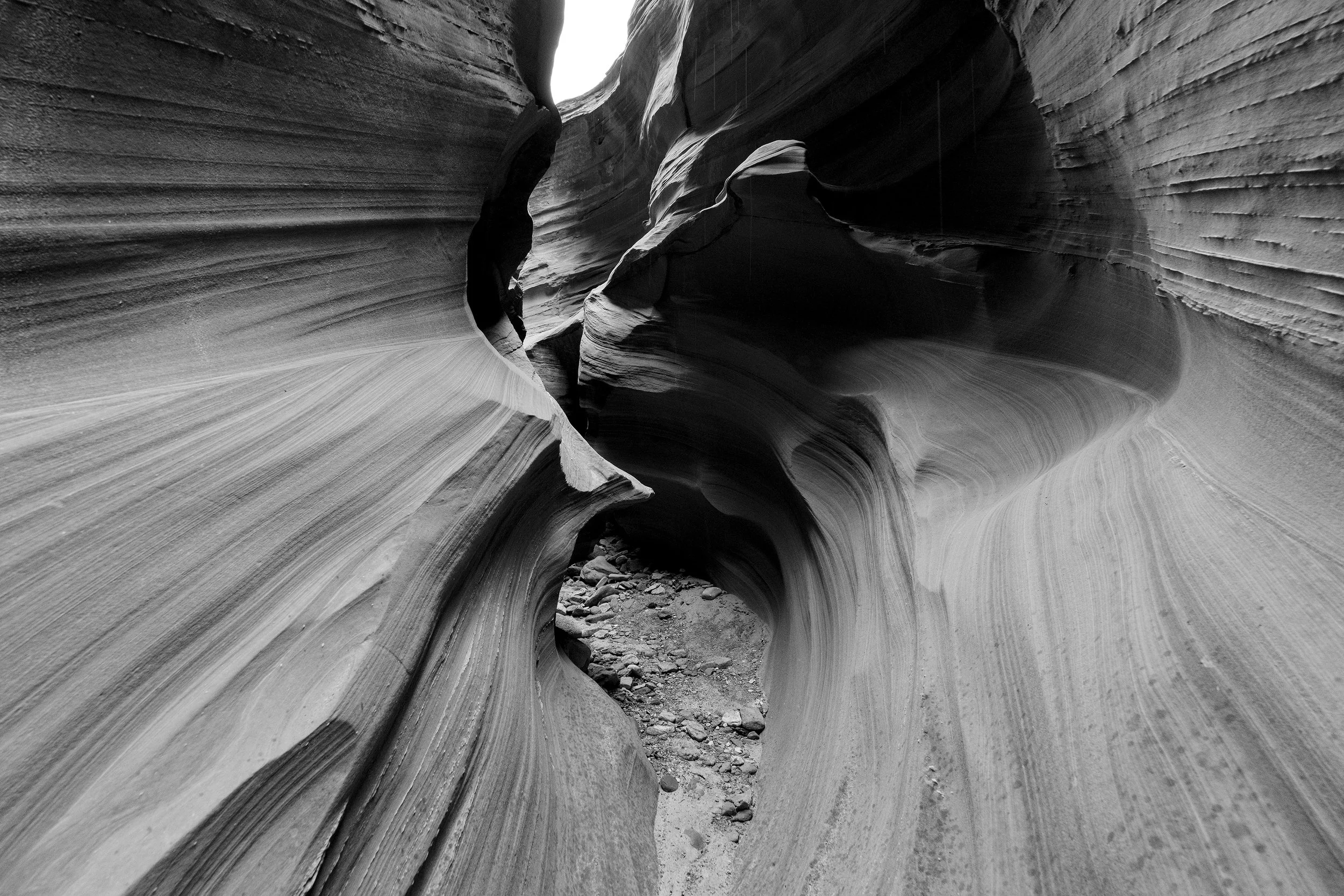
The Milky Way never showed. Two nights of clouds over the Vermillion Cliffs erased the whole reason for the trip. A dinner table tip about a quieter canyon and one last morning before flying home turned the loss into the shot that actually mattered.
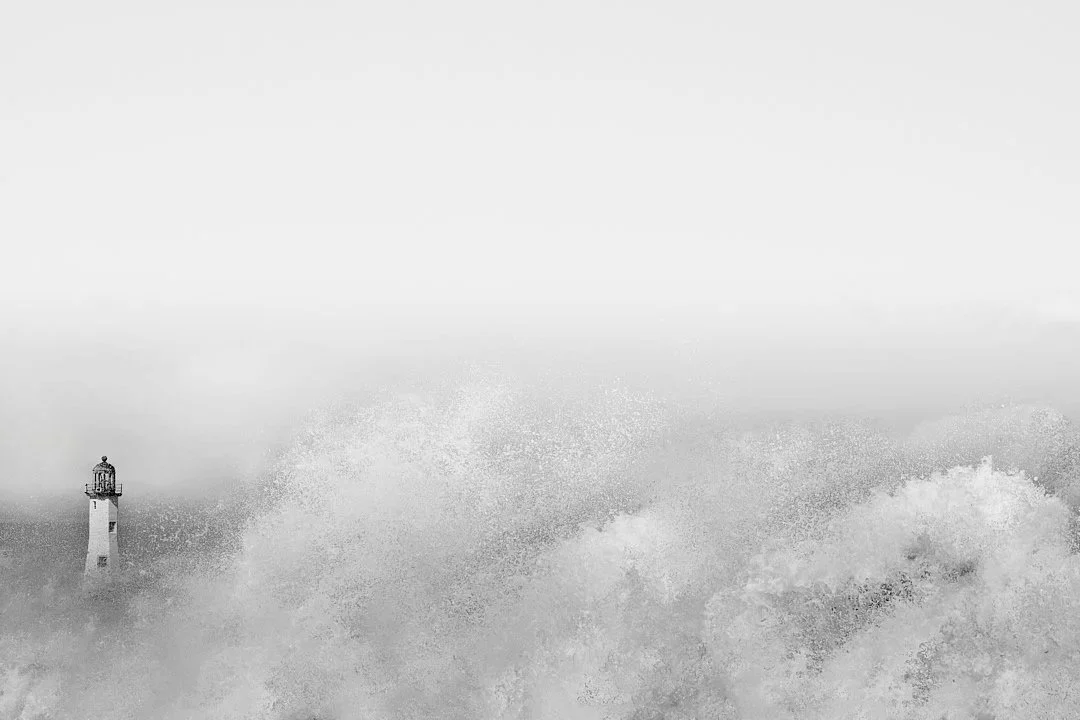
Rain starts, fog rolls in, or the snow finally begins, and most people pack up and head for the car. That instinct is costing you the best light of the day. Here is why the messiest part of the weather is worth staying for.
A heavier week than most, worth sitting with rather than skimming past. A retired tourist has spent three months behind bars for photographing a train, Sony has made a formal offer to acquire Tamron, a group of tourists sparked real backlash for a photo shoot at Auschwitz, and a wildlife photographer documented one of the rarest sights in the ocean, alongside a new exhibition and a fresh piece of lighting gear.
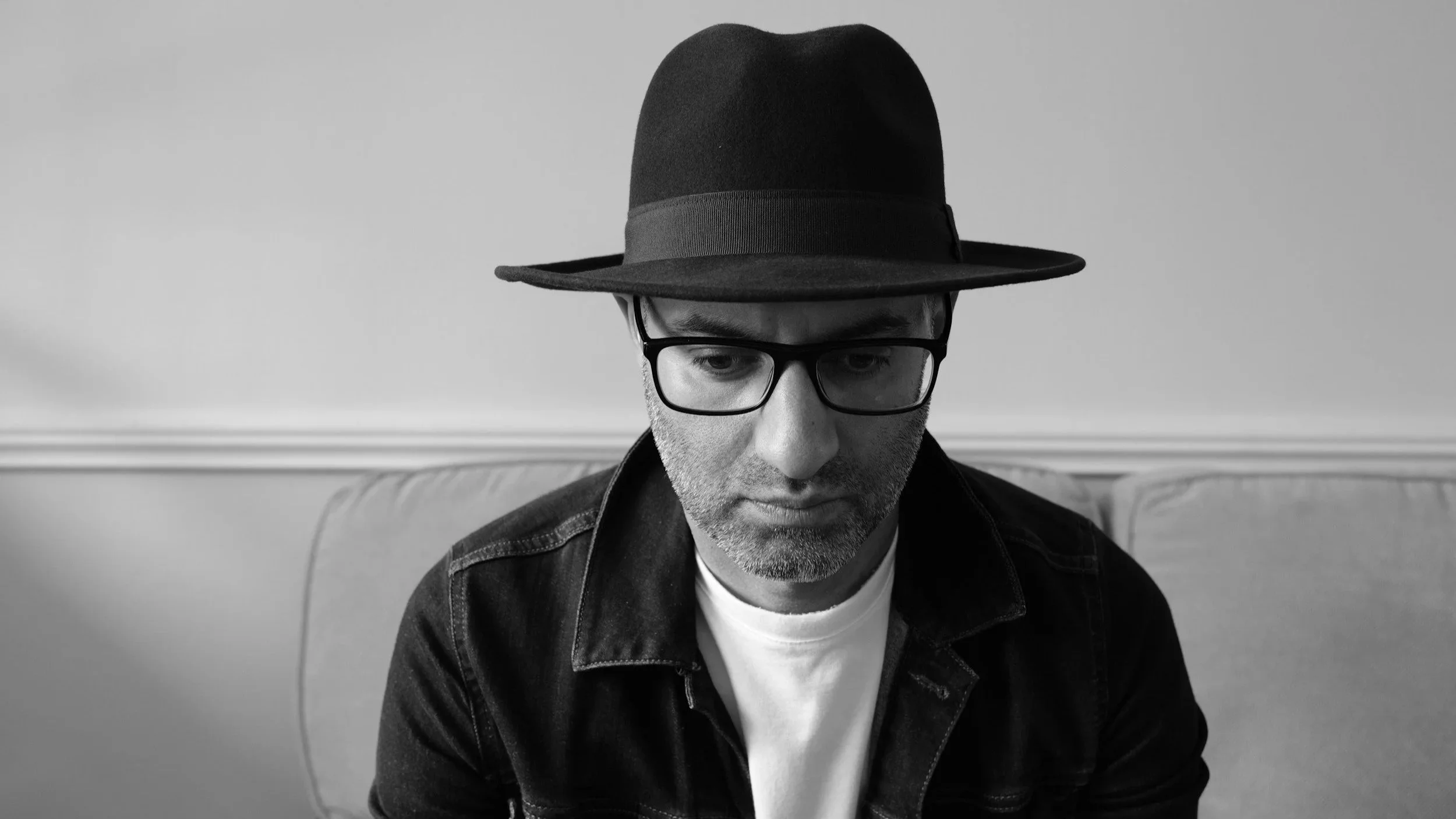
Every genre we've written about so far involves pointing a camera outward, at light, at strangers, at a place. Self portraiture reverses the entire relationship. Here is why that reversal is harder than it sounds, and why it might be worth taking seriously anyway.
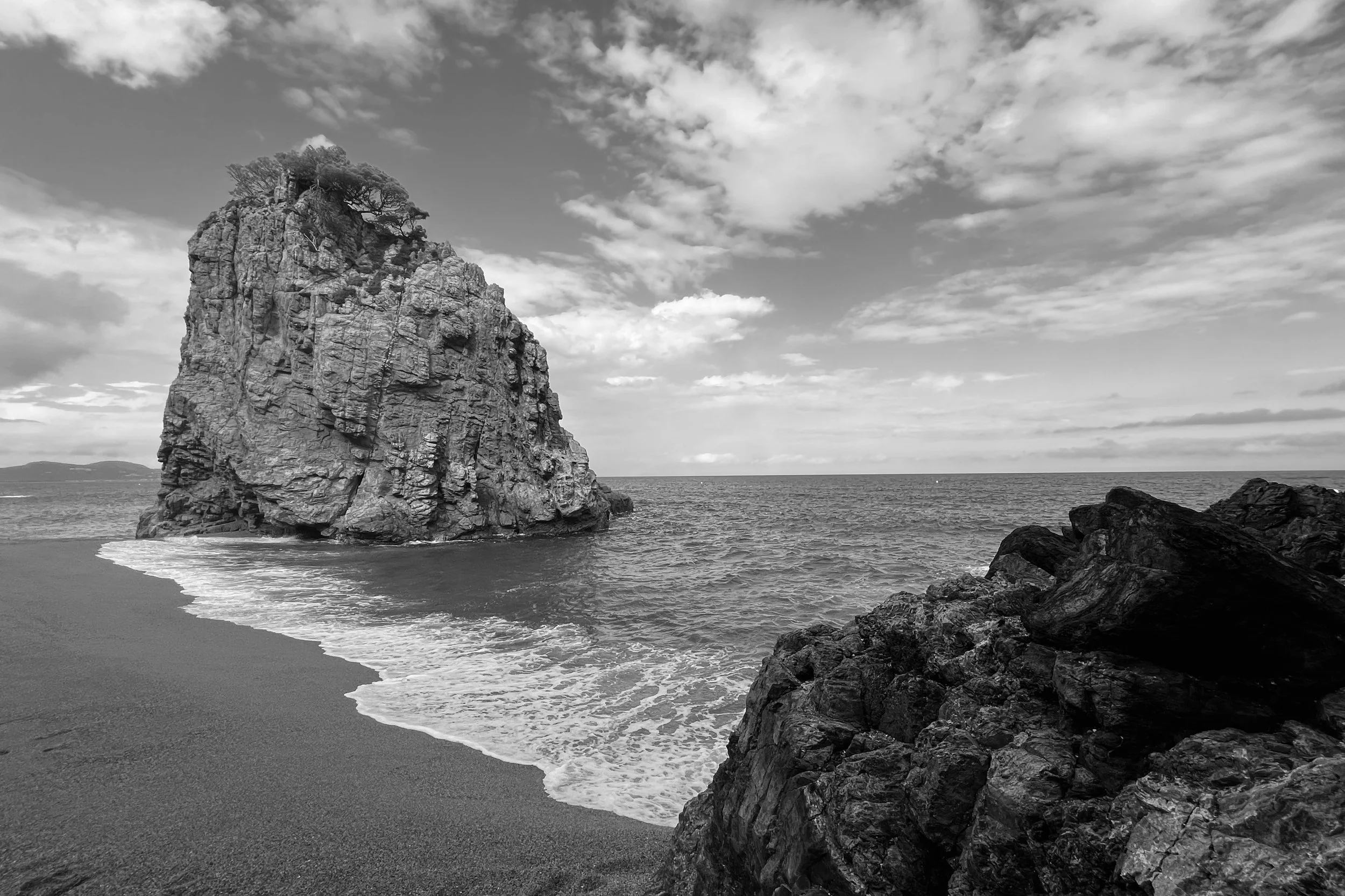
Every week we feature one photograph from the Collective and invite honest feedback from the community. No names attached, no backstory beyond what the photographer was trying to achieve. Just the image, open for genuine critique.
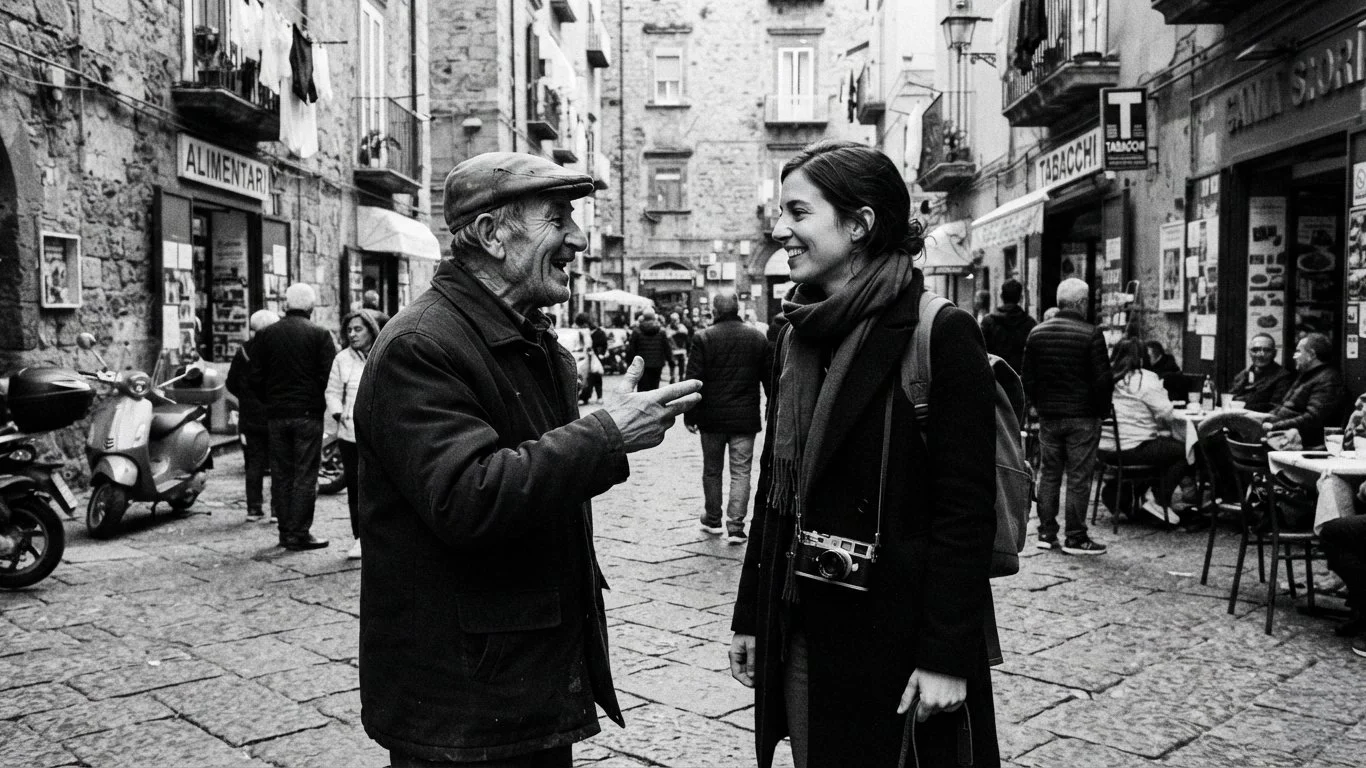
Several of the strongest photo stories we have published here happened because a photographer had someone local vouching for them. A fixer is the formal version of that relationship, and it is far more accessible than most photographers assume.
We wrote before about why committing to a project produces depth that reactive shooting almost never reaches, and promised a follow up with somewhere to actually start. Here it is, along with a real look at how one photographer's project came together one visit at a time.
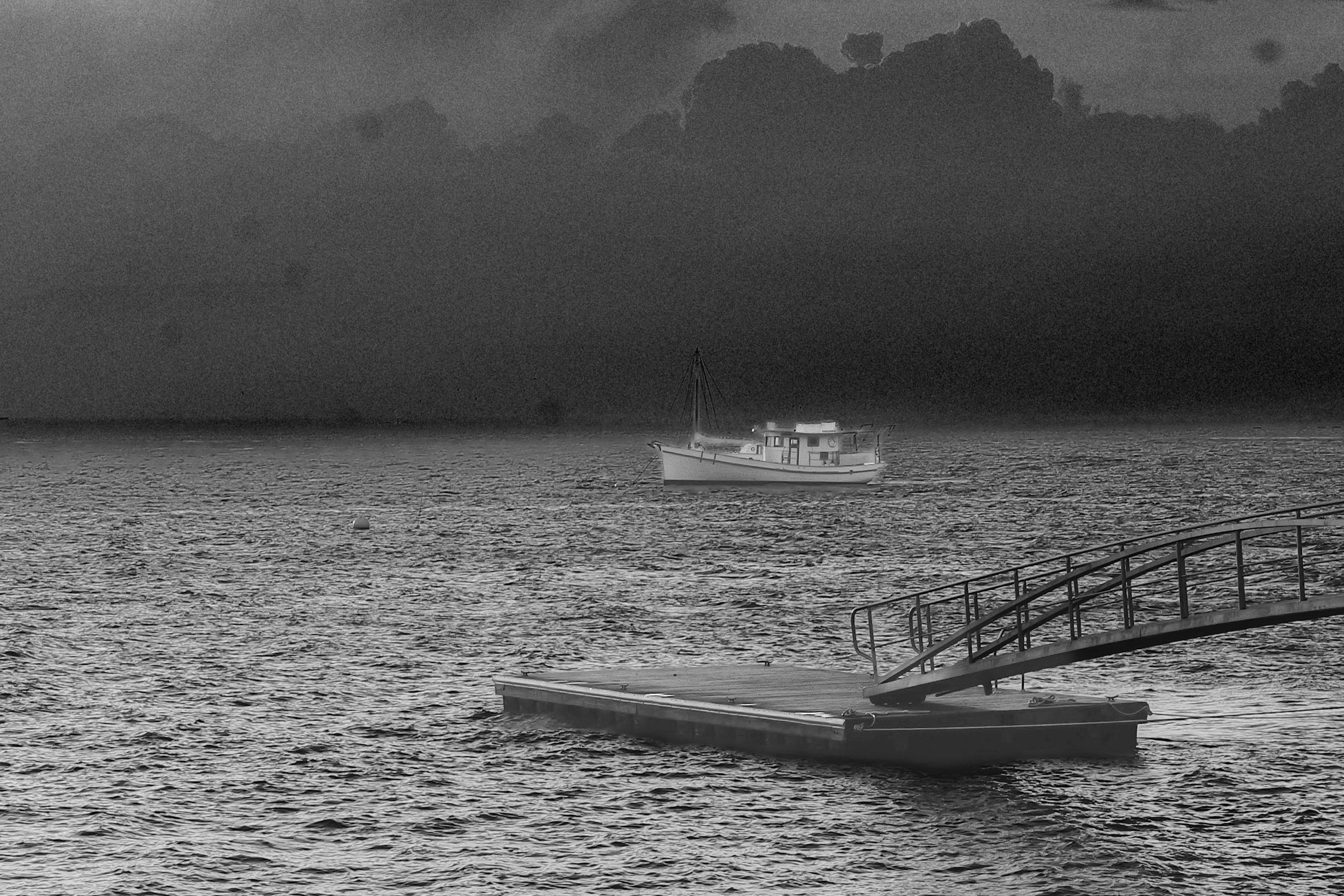
David Clark has a modest summer home on a small island in Maine, and he has spent years trying not to make the average tourist photo there. When fog rolled in over the water one day, his first instinct, a diffuse sun shot, didn't jazz him at all. It was the frame he almost dismissed, a white trawler moored beside a dock, that turned into something worth the work.
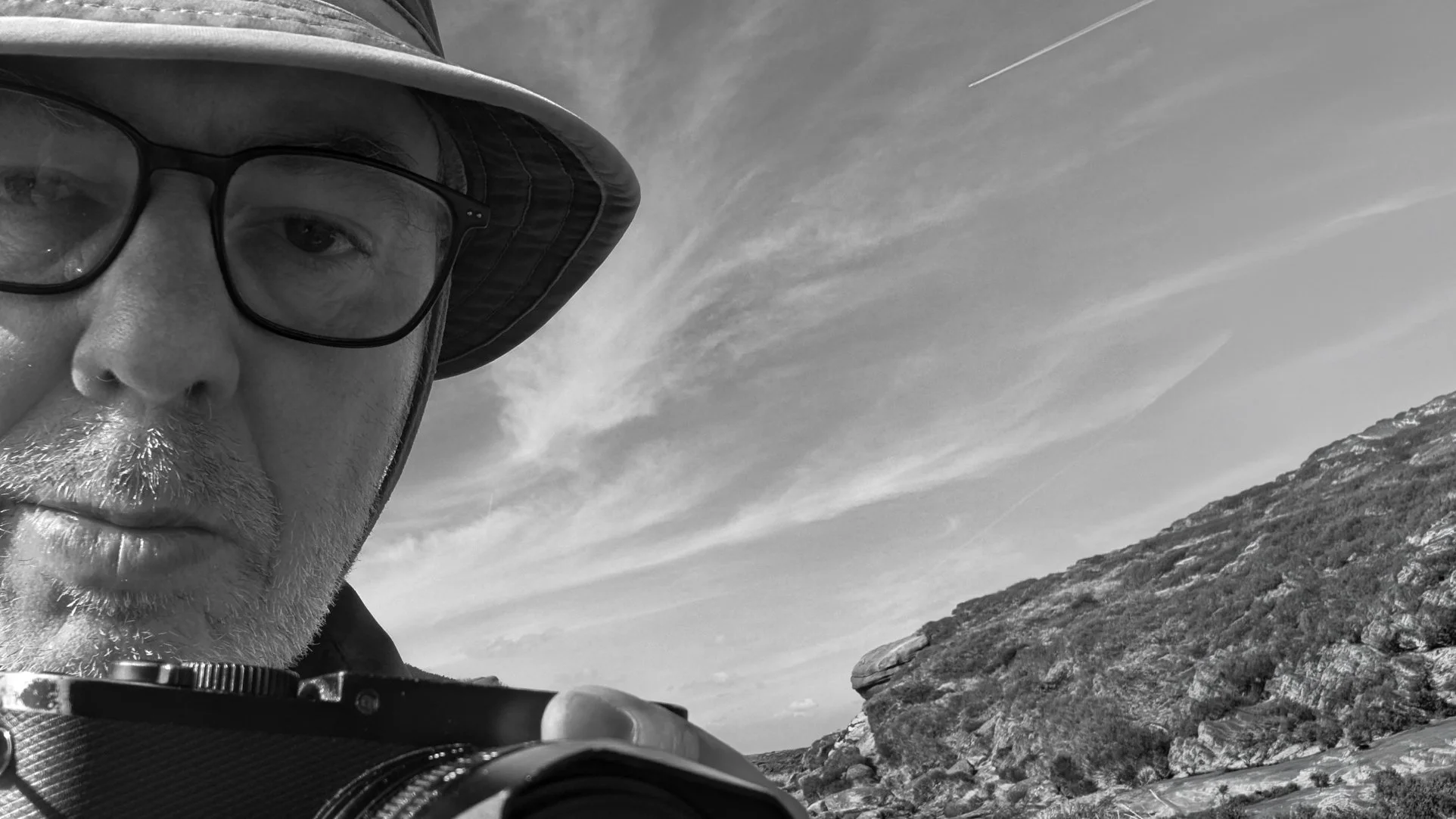
Andrew Griffiths has been photographing since he was four or five years old, carrying a bakelite Brownie camera through the Pennine hills long before his mother ever bothered loading it with film. He shoots the whole river catchment now, from moorland headwaters down to the crowded center of Manchester, almost always with a single fixed lens Leica Q and never a plan. We asked him about storytelling over single images, the darkroom he still misses, and the piece of advice he wishes someone had given him at the start.
A Ukrainian military photographer captured the exact moment a drone strike detonated, tourists at Yellowstone risked their lives walking across a boiling hot spring for a photo, new research raises real concerns about AI editing and wildlife photography, and Godox rounds out the week with two genuinely interesting budget releases.
Alex spent a week trying to find the right words, the right approach, the right script for asking a stranger to be photographed. None of it worked until Alex stopped trying to find the right words at all.
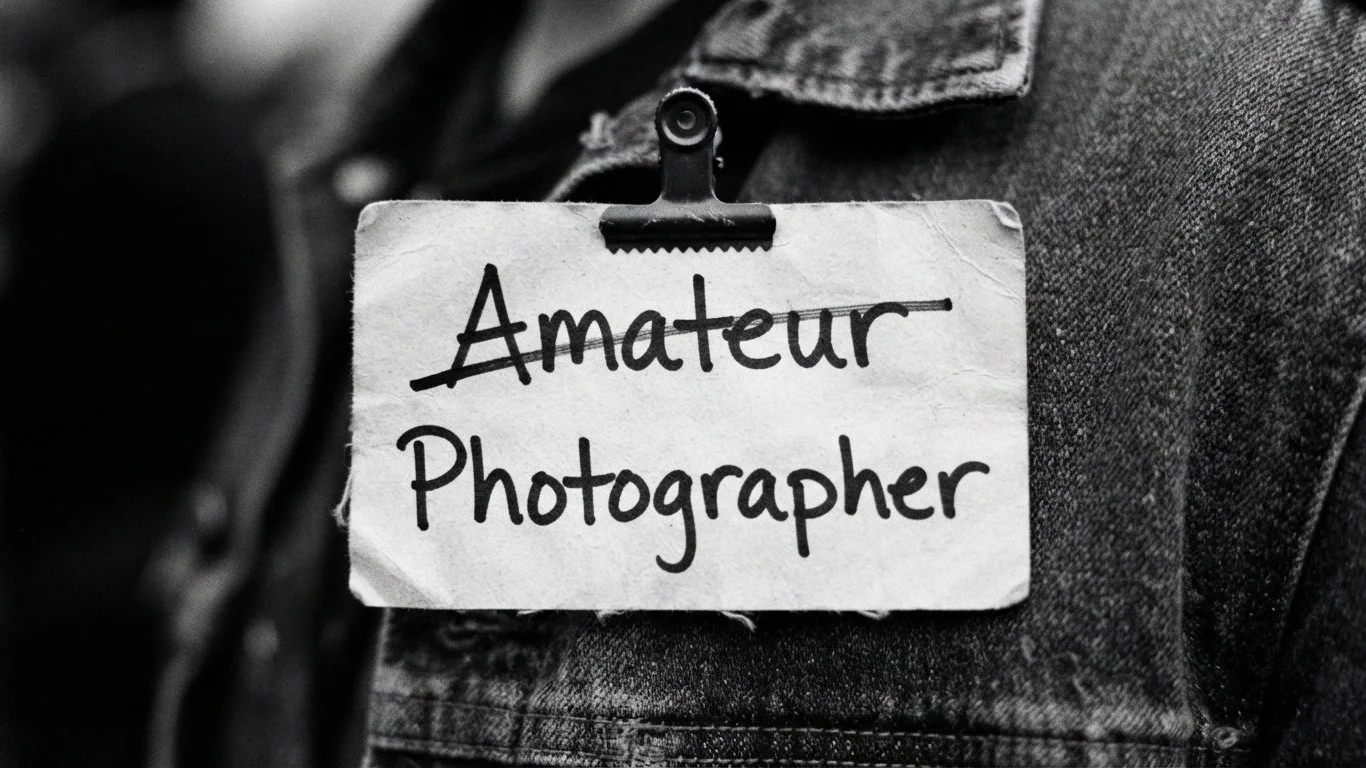
So many photographers use the word right there in their social media bio. Amateur. It's meant as a disclaimer, a way of managing expectations before the images even speak for themselves. The word was never supposed to carry that weight, and neither should you.
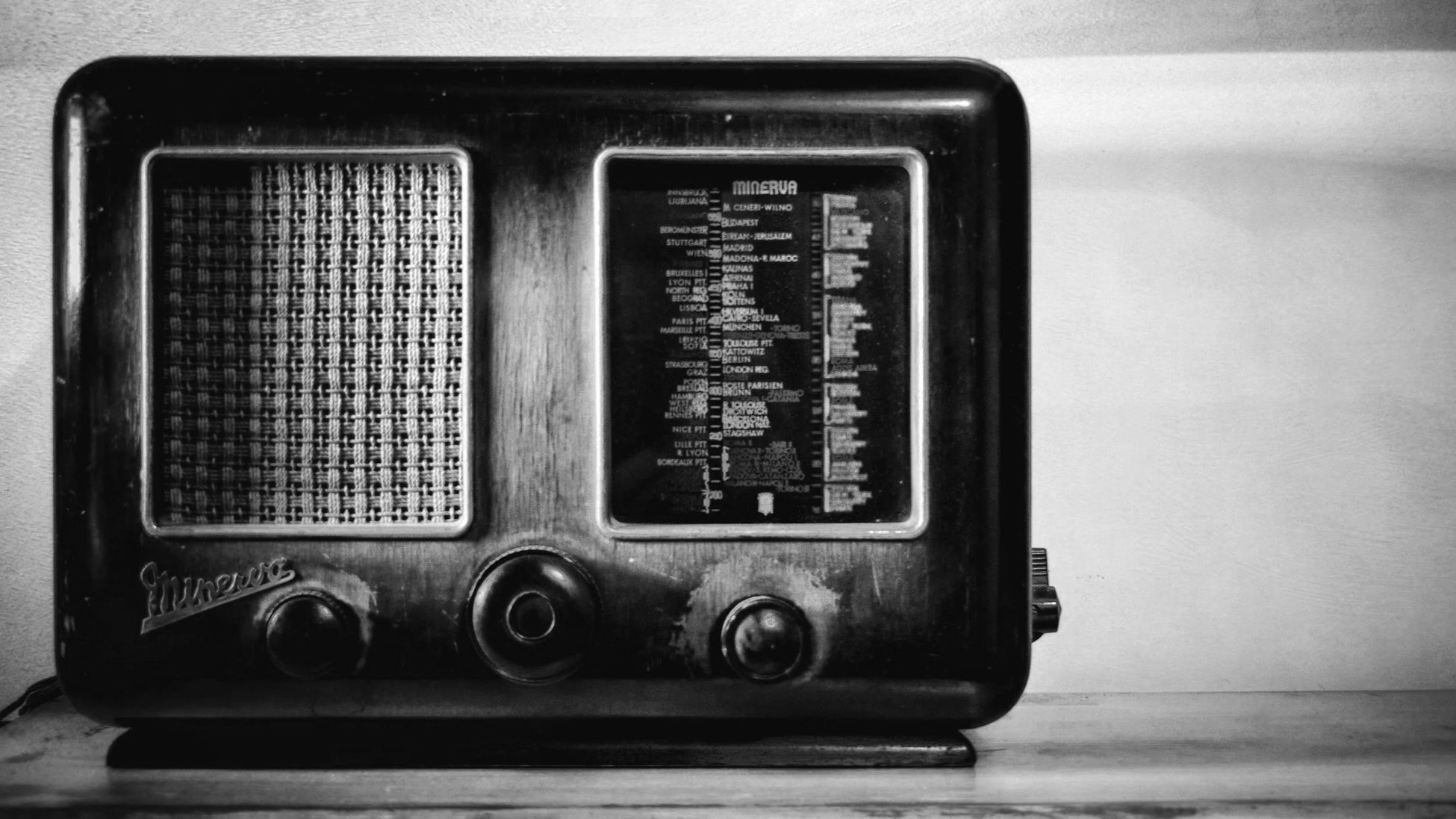
We already wrote about the noise inside your head, the kind that keeps you from seeing anything worth photographing in the first place. This is about the other noise. The kind sitting right there in the frame, competing with your subject for the exact same attention you're asking a viewer to give it.
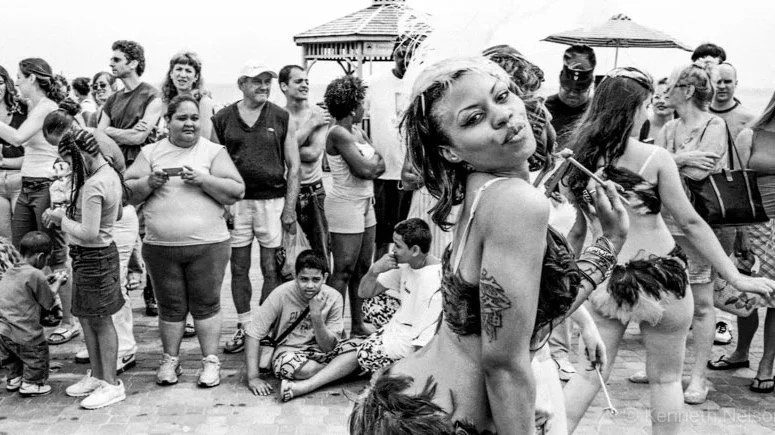
Kenneth Nelson had one goal on June 26, 2004. Document the Mermaid Parade. Then the music found him first, and it never really let go. Eighteen years and more than six thousand photographs later, he is still trying to figure out which single face captures what happens on that boardwalk.
A genuinely rich week. We lost a pioneering photojournalist, a Dorothea Lange archive has been made public for the first time, a photographer is suing a well known artist over alleged image appropriation, and a new biography uncovers a photographer whose second career was espionage.
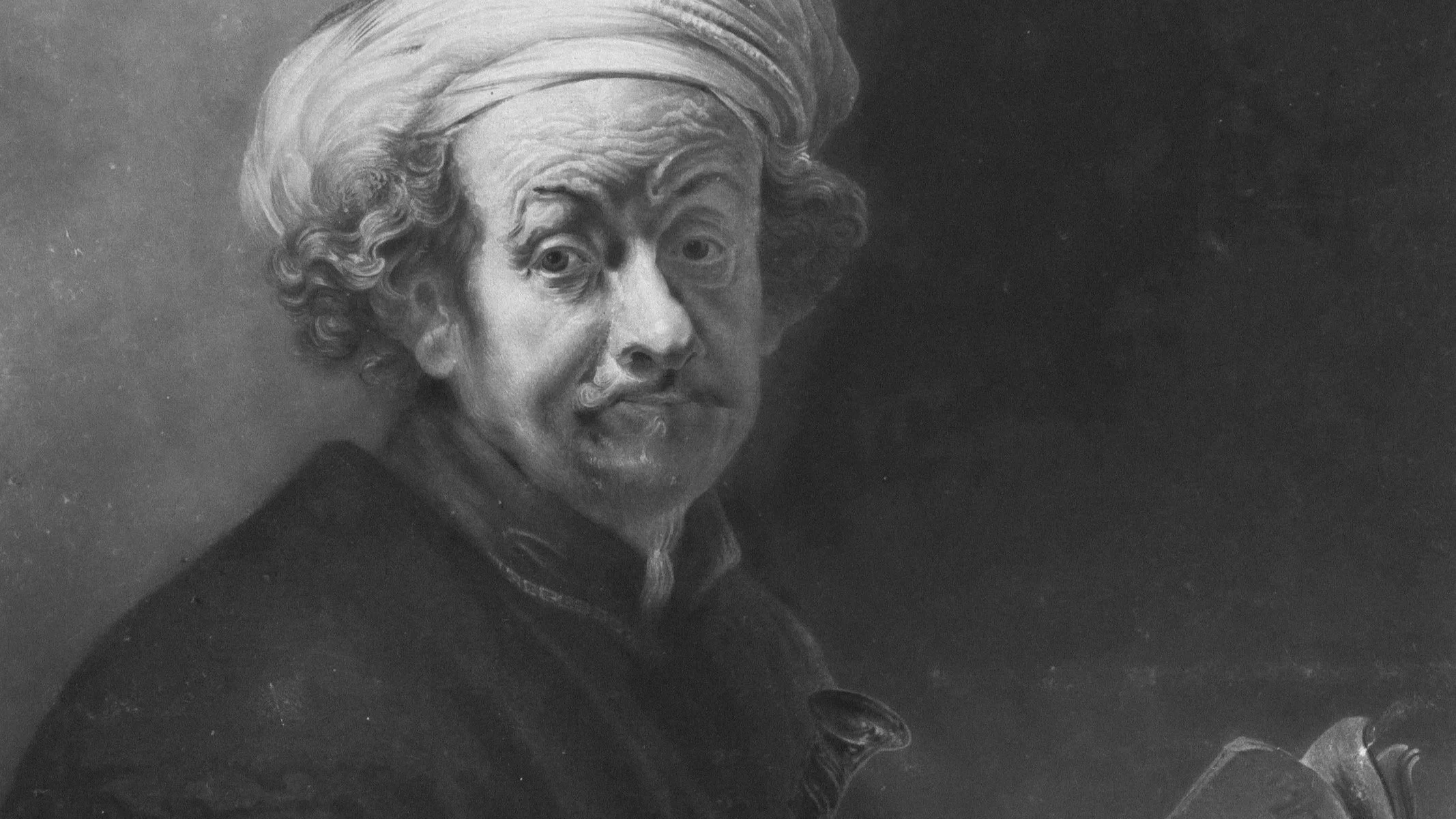
Long before anyone pointed a camera at a face, painters were solving the exact problem every portrait photographer still faces. How do you make a flat surface hold the weight and depth of a real human face using nothing but light and shadow. Rembrandt solved it so well that photographers are still using his name for it.
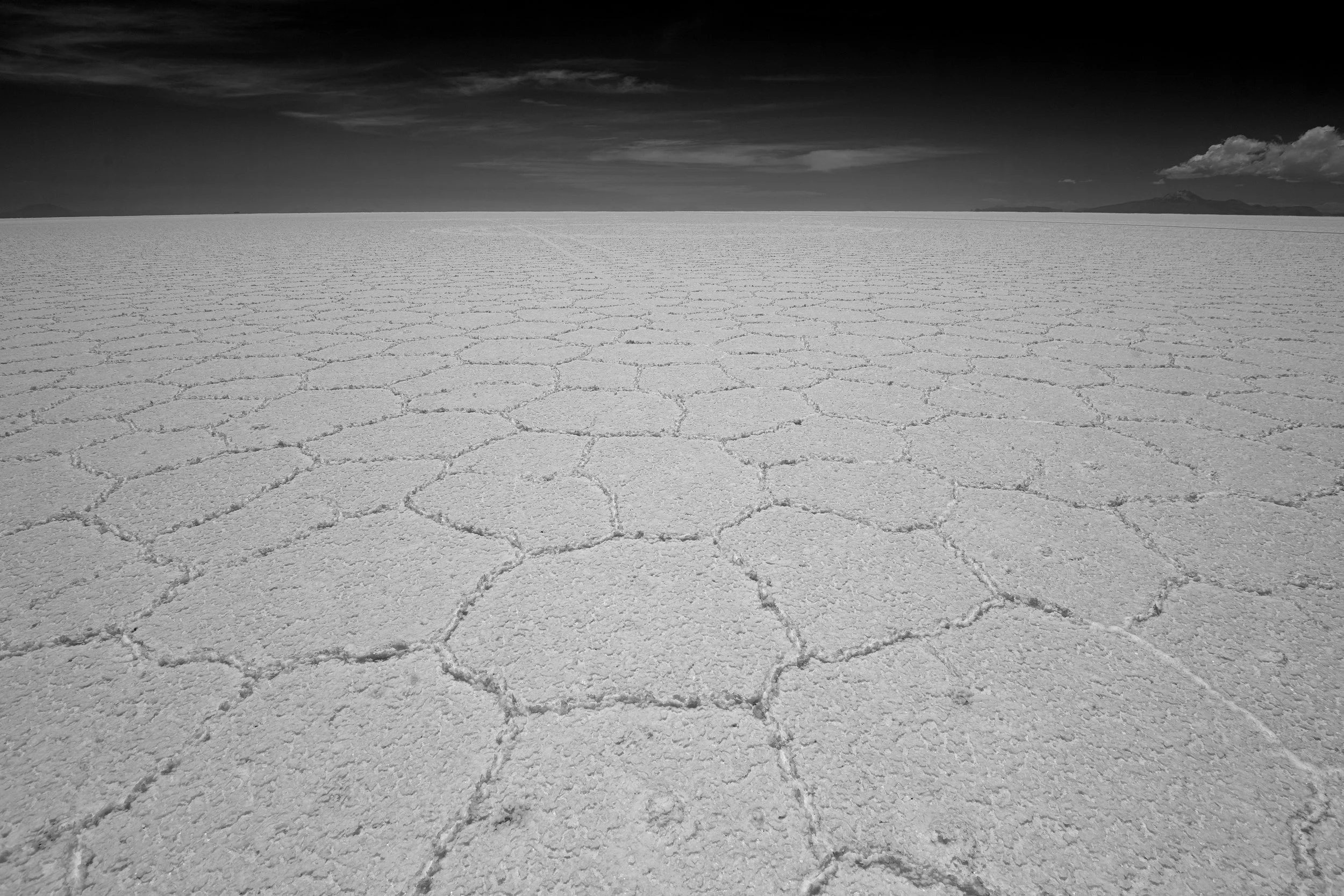
Rakesh Subramanian doesn't remember which book first put the Bolivian salt flats in his head. He just remembers the feeling, and how many years he carried it before his wife's fortieth birthday finally made the trip real. He injured his back crossing the border, felt the altitude at nearly sixteen thousand feet, and walked out into it anyway, both cameras in hand, every single time they stopped.
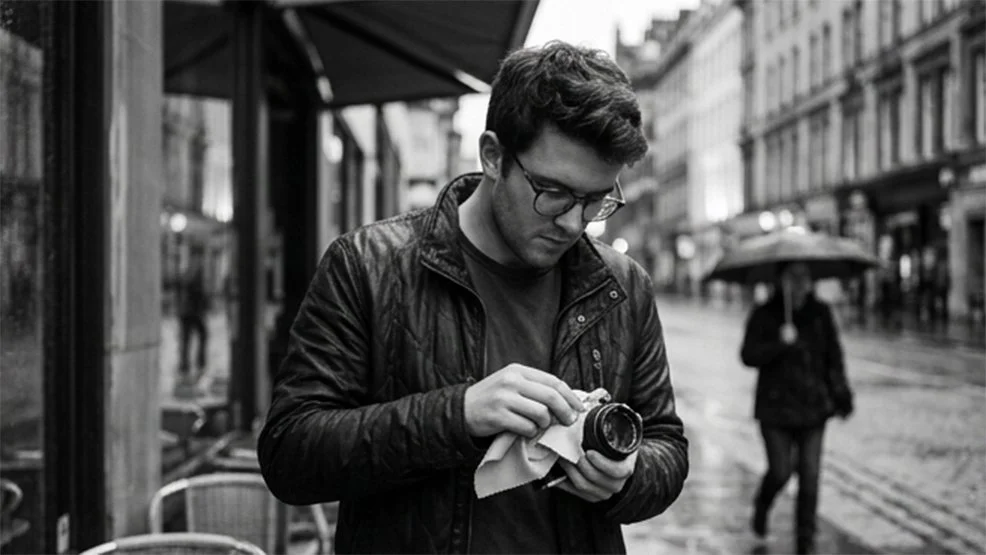
Alex fixed the thing that went wrong in the alley, off center placement, real negative space, a frame that finally had somewhere for the eye to breathe. It worked. Then Alex tried something the camera couldn't help with at all, walking up to a stranger and asking for a portrait. That didn't go nearly as well.
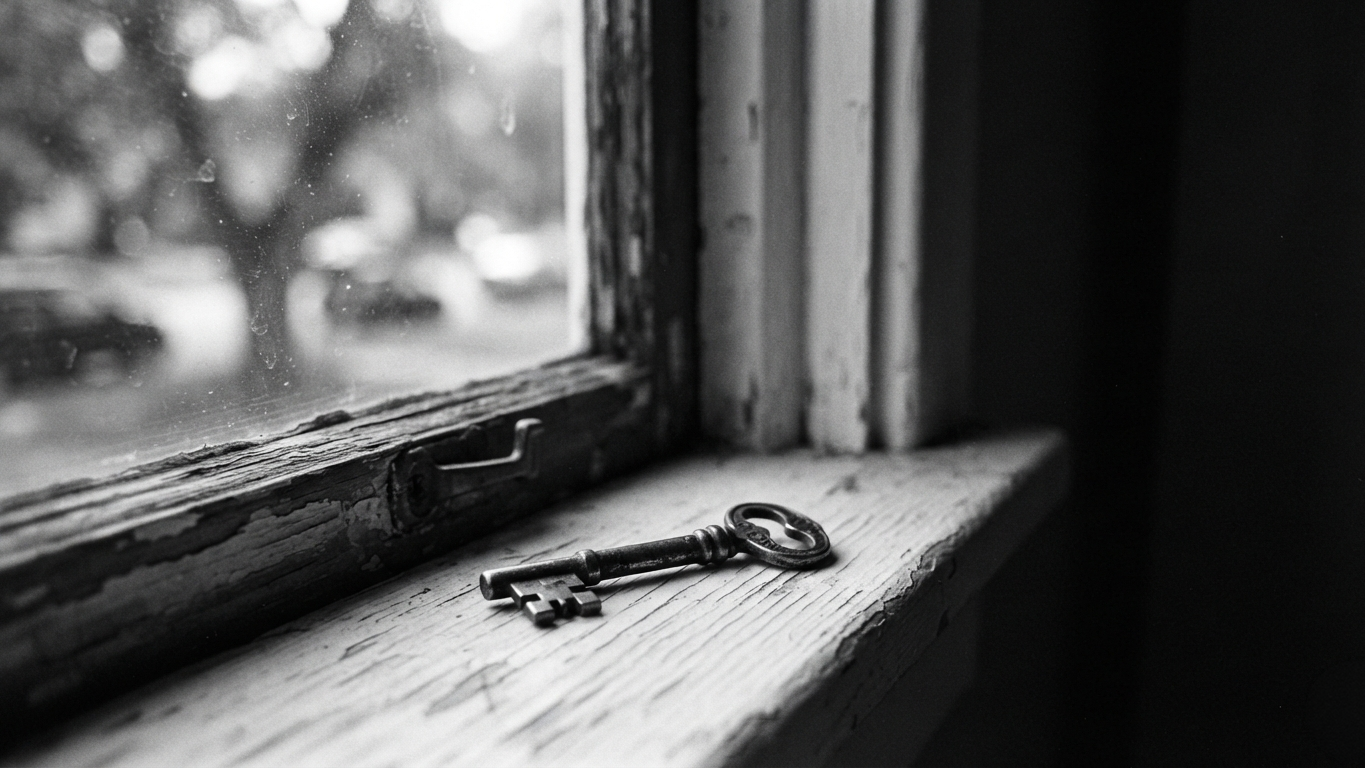
Almost every photographer eventually picks up a label. Street photographer. Landscape photographer. Portrait photographer. There's nothing wrong with that. The label isn't the problem. What it quietly turns into, if you're not paying attention, is.
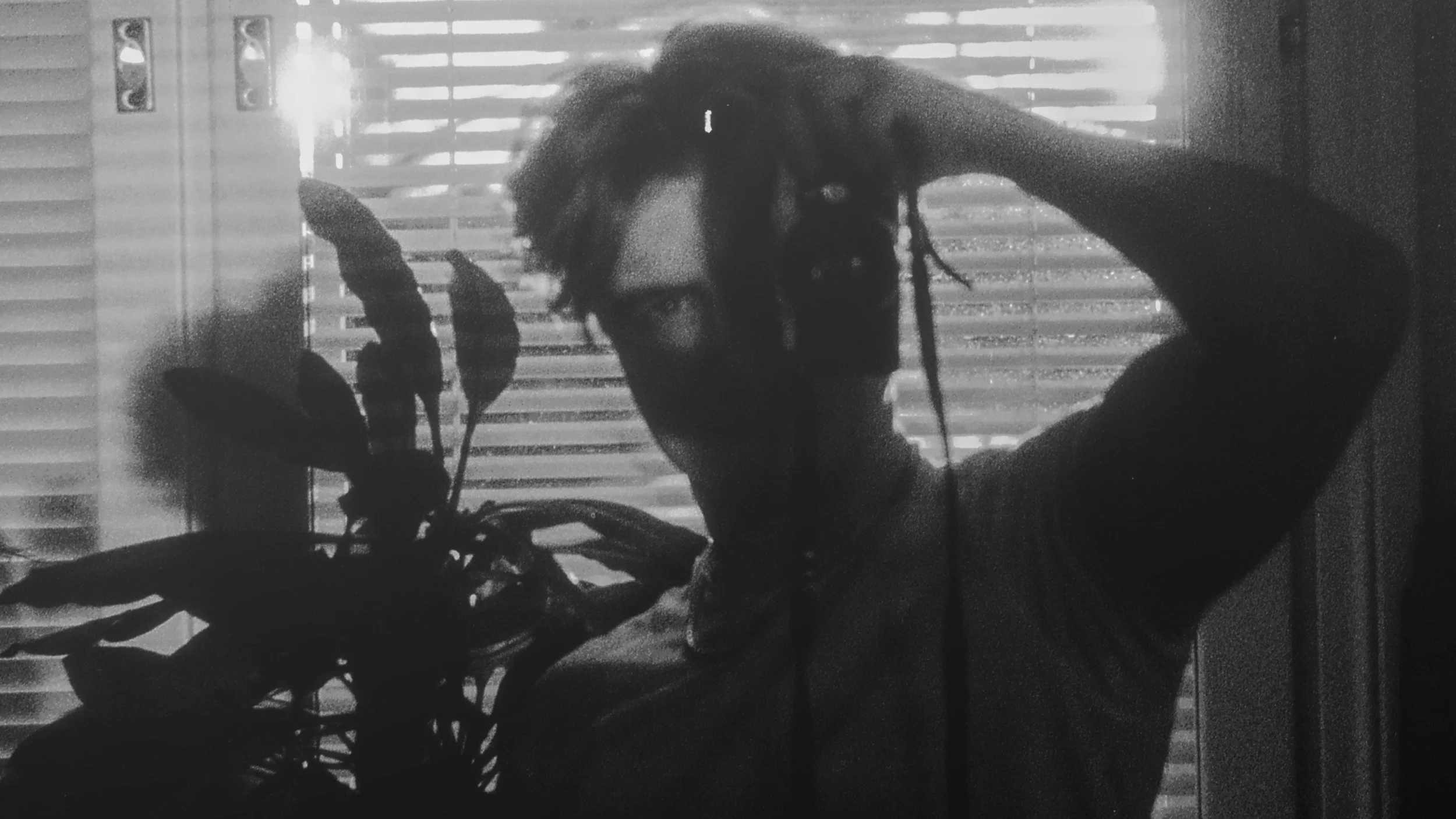
Onni Laine found his direction in Japan in 2024 after years of shooting without a real purpose. What he found there was streets that feel slightly oppressive, slightly paranoia inducing, and a growing dissatisfaction with the silhouettes and clever reflections that street photography tends to reward too easily. He shoots ninety percent spontaneously with a Ricoh GRIII, and he is trying to push his work toward something with more documentary weight. We asked him about all of it.
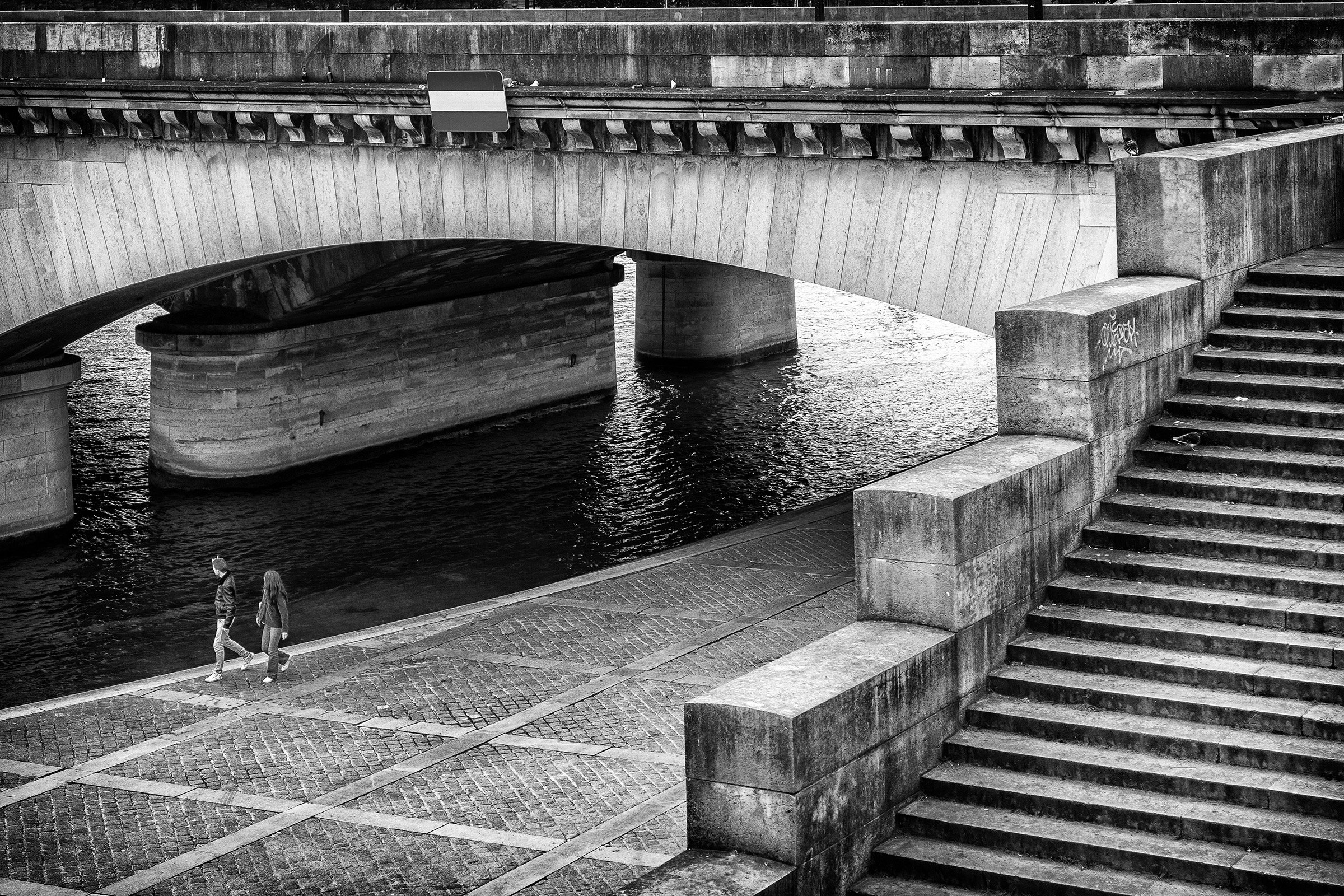
Every week we feature one photograph from the Collective and invite honest feedback from the community. No names attached, no backstory beyond what the photographer was trying to achieve. Just the image, open for genuine critique.
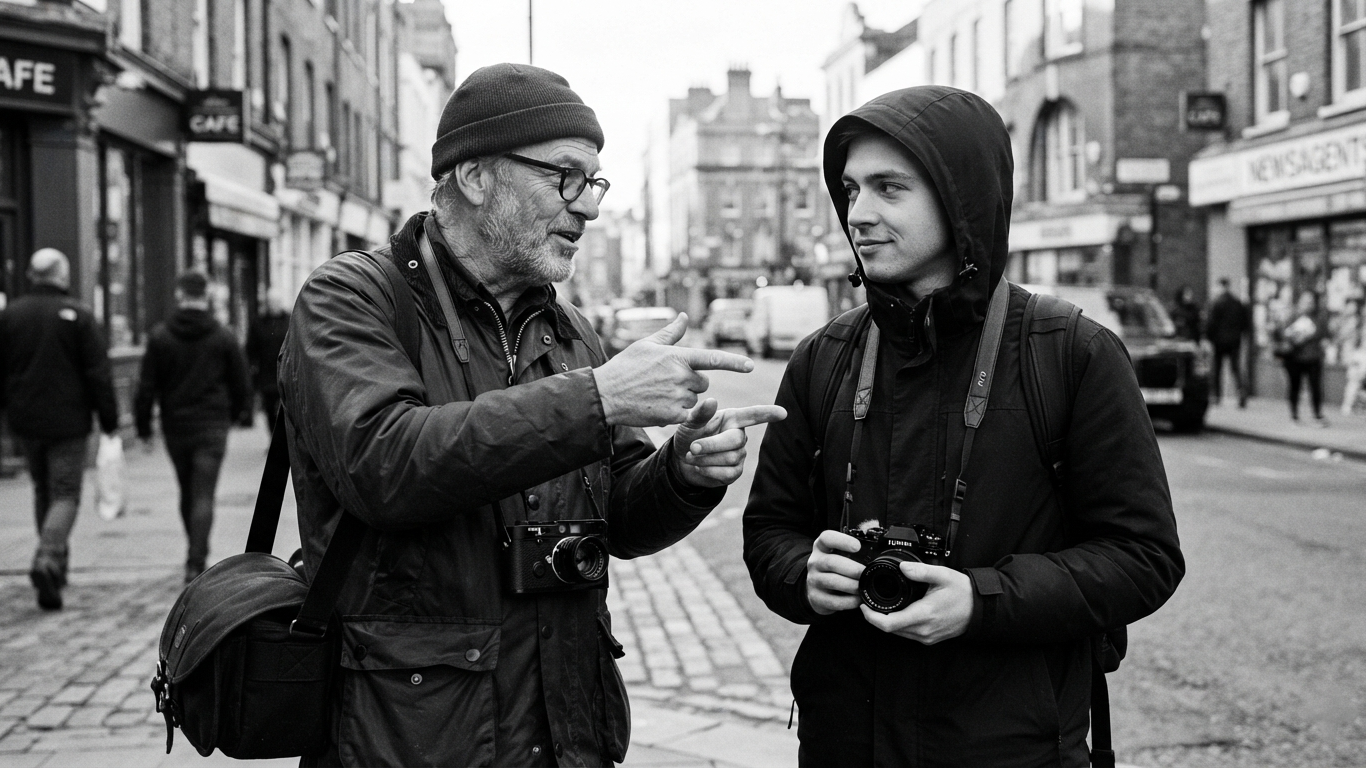
Every photographer has a piece of advice they were given once, believed completely, and eventually had to unlearn the hard way. We rounded up some of the classics. Now we want to hear one from you.
A genuinely substantial week. Ricoh marks 30 years of the original GR1 with a special edition GR IV, freelance photojournalists are pushing back hard on a new Wall Street Journal contract, a rare gangster photography series gets its due, and a veteran street photographer makes the case for why the genre matters more now than ever.
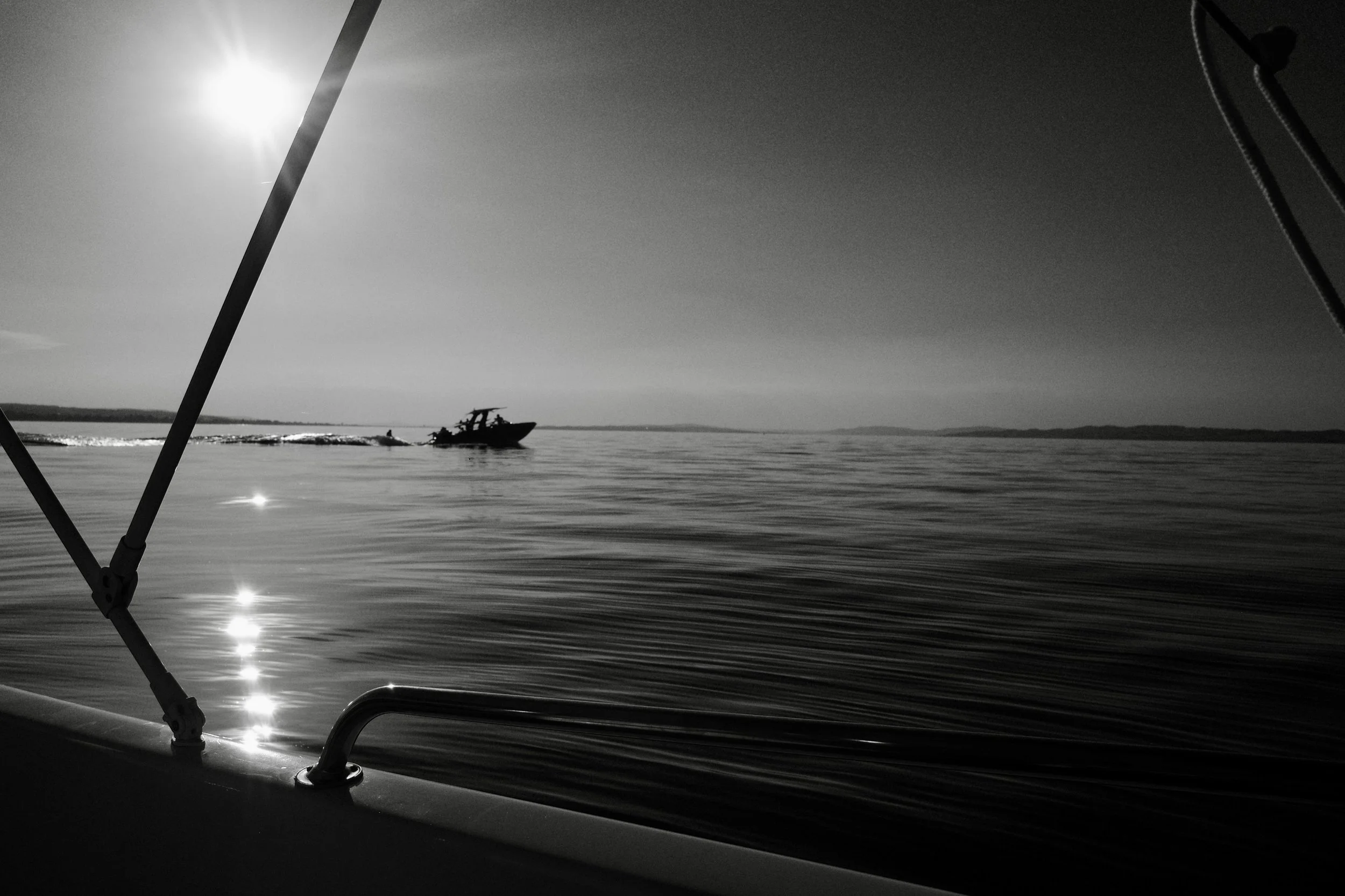
Every week we feature one photograph from the Collective and invite honest feedback from the community. No names attached, no backstory beyond what the photographer was trying to achieve. Just the image, open for genuine critique.
 The Monochrome Collective
Darren Pellegrino is a working photographer and the founder of The Monochrome Collective. He believes that black and white photography is not a style, it is a discipline. One that forces you to see light, shadow, and composition with absolute clarity. The Monochrome Collective was built for photographers who share that obsession and who are ready to trade the algorithm for real creative connection.
You know the feeling before you have even left the house. A quiet sense that today needs to produce something good. Wanting to make good work is not the problem. The invisible bar you are unconsciously measuring yourself against is.